how to use CVumi
How to use CVumi: a complete walkthrough
Set up CVumi, build your master profile, paste a job, review the fit, then generate and export a tailored CV, cover letter and email. Here is the whole flow, step by step.
CVumi is a desktop app that tailors your CV, cover letter and covering email to one specific job, on your own computer. You keep a single master profile, paste in the job you want, and CVumi writes an application built for that posting. Your files stay on your machine.
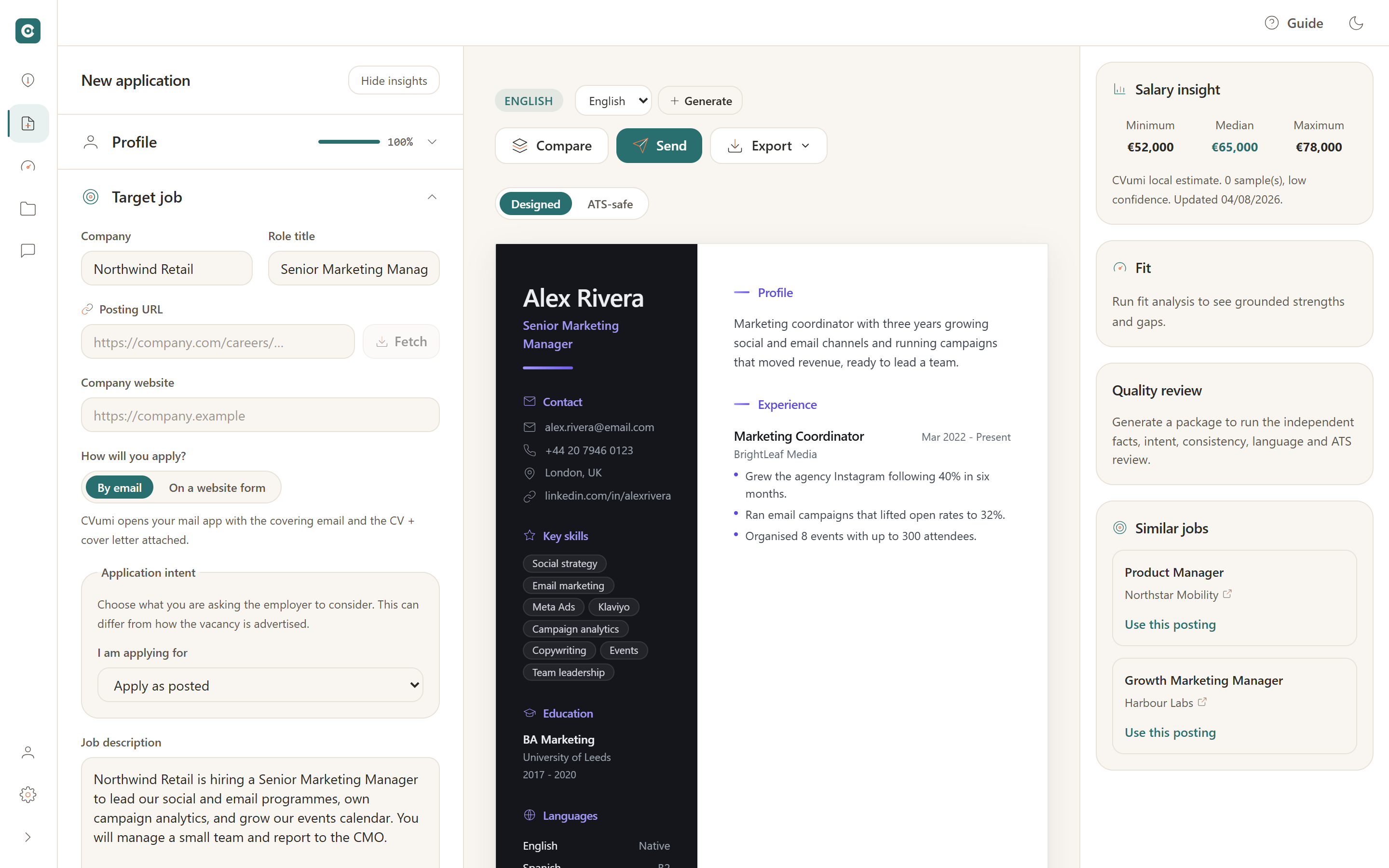
This guide shows how to use CVumi from the first launch to a finished application you can send, one feature at a time. Here is what the workspace looks like once you are set up.
Step 1: First run, activate or skip
The first time you open CVumi it asks for two keys:
- A product key. This is your licence, and it arrives in your purchase email. Paste it to activate the app.
- An AI key. CVumi runs on your own key from a provider you choose, so your text goes straight to that provider and there is no markup on top.
You can skip either one and add it later in Settings. You can build your profile without an AI key, you just need one in place before you generate. If you do not have an AI key yet, see how to get an AI API key for CVumi.
Step 2: Build your master profile
Your master profile is the full, true record of your career. You write it once, and every tailored CV is drawn from it.
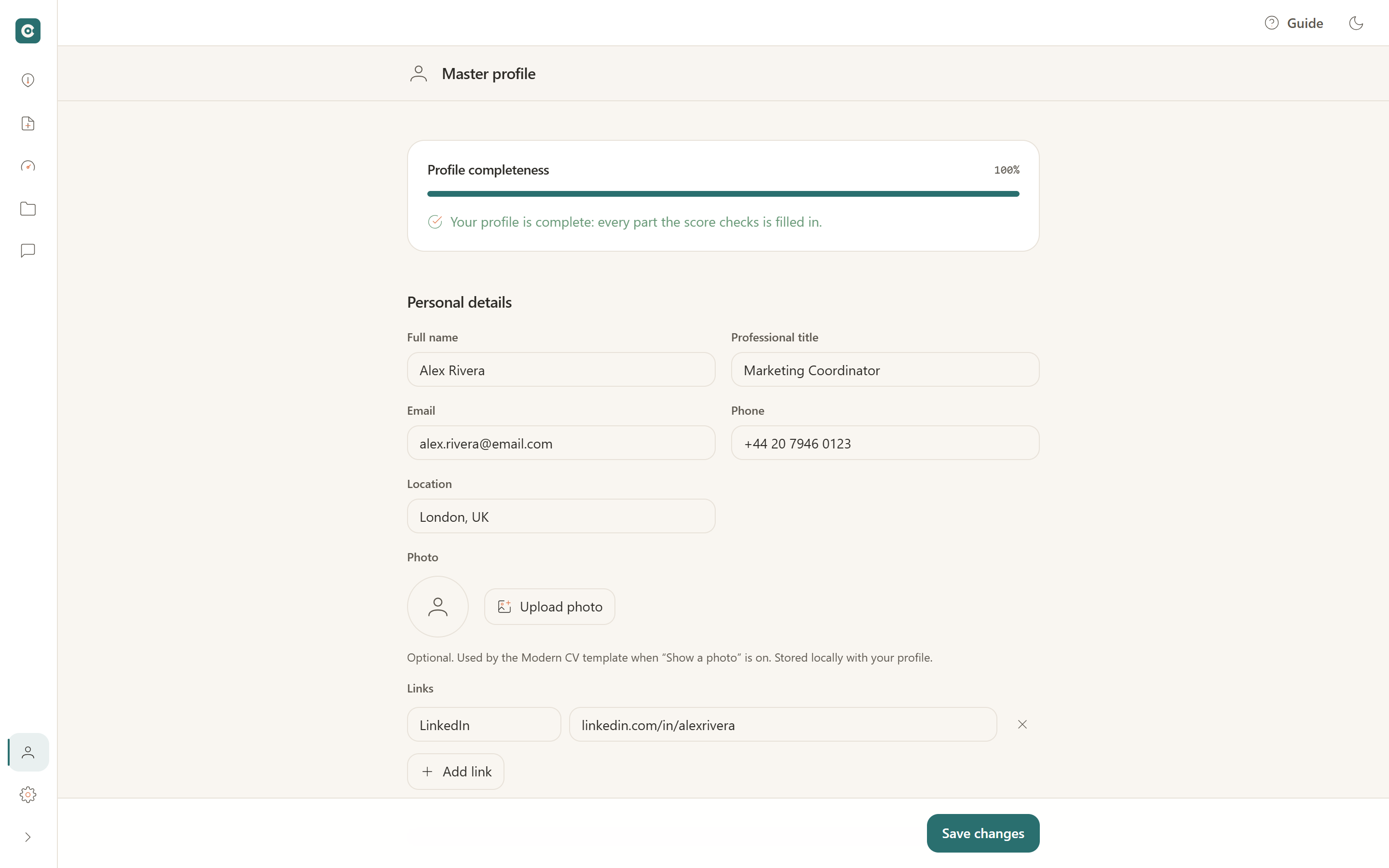
You have two ways to fill it in:
- Import an existing CV. CVumi reads a PDF or DOCX and lays it out into structured fields you can correct.
- Fill it in by hand. Add your experience, skills, languages and education section by section.
All of this stays on your device, in a folder you choose. CVumi does not run a server that stores your documents, so your history does not leave your computer.
Step 3: Add the target job
Open a new application and paste the job description into the job panel on the left. If you have the link and the company name, add them too. They are optional, and they make naming and tracking easier later.
CVumi reads the posting on your machine and pulls out the responsibilities and the required skills, so you can see what the role actually asks for before you write a word.
Step 4: Review the fit
Before generating anything, CVumi compares your profile against the posting and shows you where you stand.
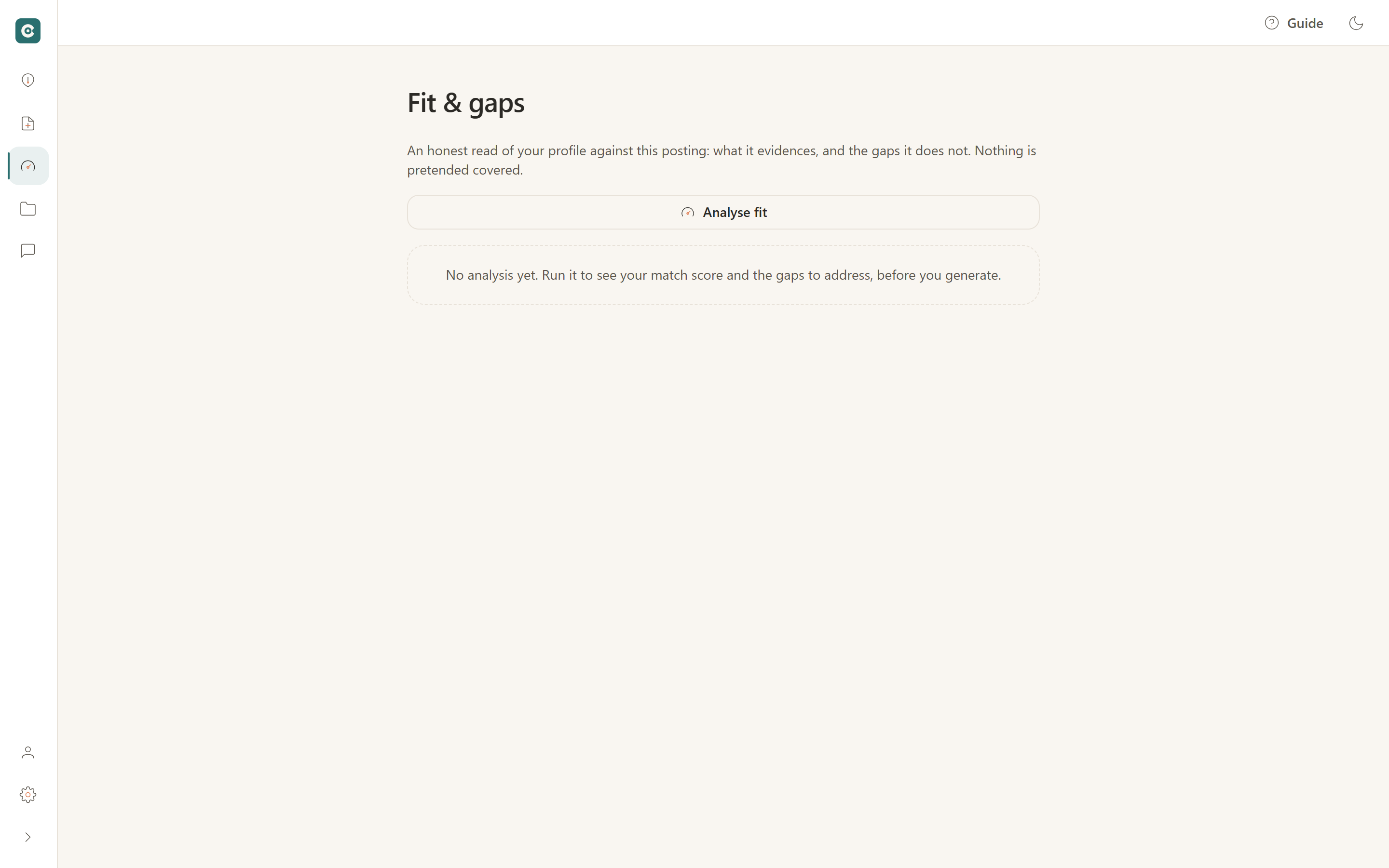
The fit view has three parts:
- Strengths: the requirements you already meet, with the experience that backs each one.
- Gaps: the requirements with no honest match in your history. A gap is information, not a failure. It shows where to be modest, and what a short course or side project could fix before the next application.
- Suggestions: which true parts of your history to bring forward for this role.
The analysis uses only your real experience. It does not invent achievements to fill a blank.
Step 5: Generate
Choose the output language, for example English or German, then generate. CVumi writes three documents together:
- A tailored CV, with the top rewritten so the first lines answer this posting.
- A cover letter that matches the CV and gives one concrete reason you fit.
- The covering email that carries them, with a subject line and a short body.
Because they are made as a set, they agree with each other, and you are not stitching three separate documents together by hand.
Step 6: Refine
The first draft is a starting point, and CVumi gives you three ways to shape it.
- Compare to the original. Put the tailored CV next to your master version so you can see exactly what changed.
- Chat to adjust a section. Highlight any part, tell the assistant what you want, and it rewrites that part alone and leaves the rest untouched.
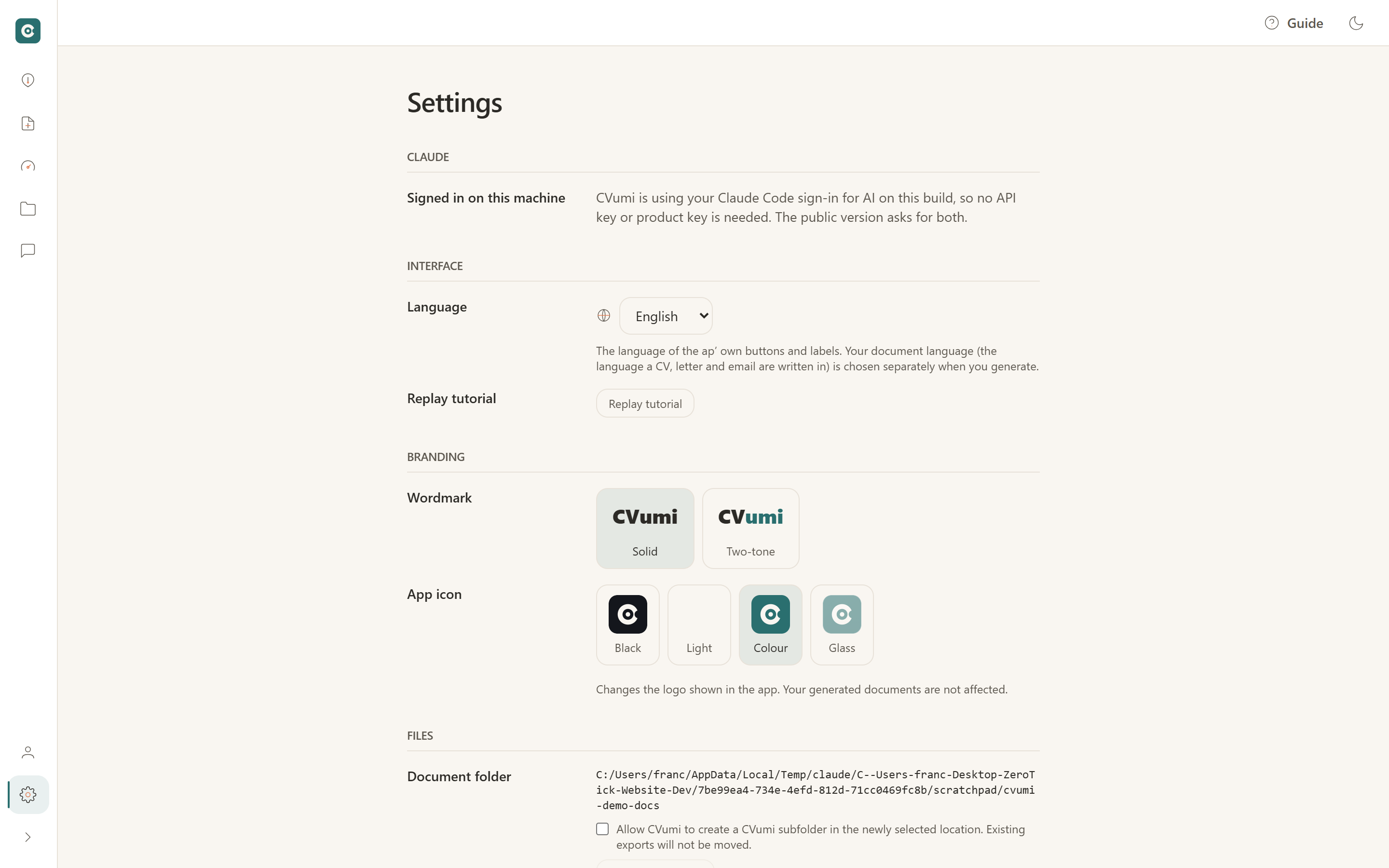
- Switch the model. If the writing style is not right, change the provider or model in Settings and generate again. The picker lives there, shown above.
Step 7: Export
When the application reads well, export it. You can save as PDF or DOCX, or both.
Apply by email
One click opens your normal email client with the CV and cover letter attached and the covering email already drafted. You read it over and send it yourself, so a copy lands in your own Sent folder.
Apply on a portal
For job boards and application forms, export the ATS-safe CV. It is a clean, single-column layout that parses reliably when a system reads it, without the styling that can confuse a parser.
Step 8: Track
Save each application and CVumi keeps it in a tracker, grouped by status, so you can see what is still a draft, what you have applied to, and what has come back for an interview.
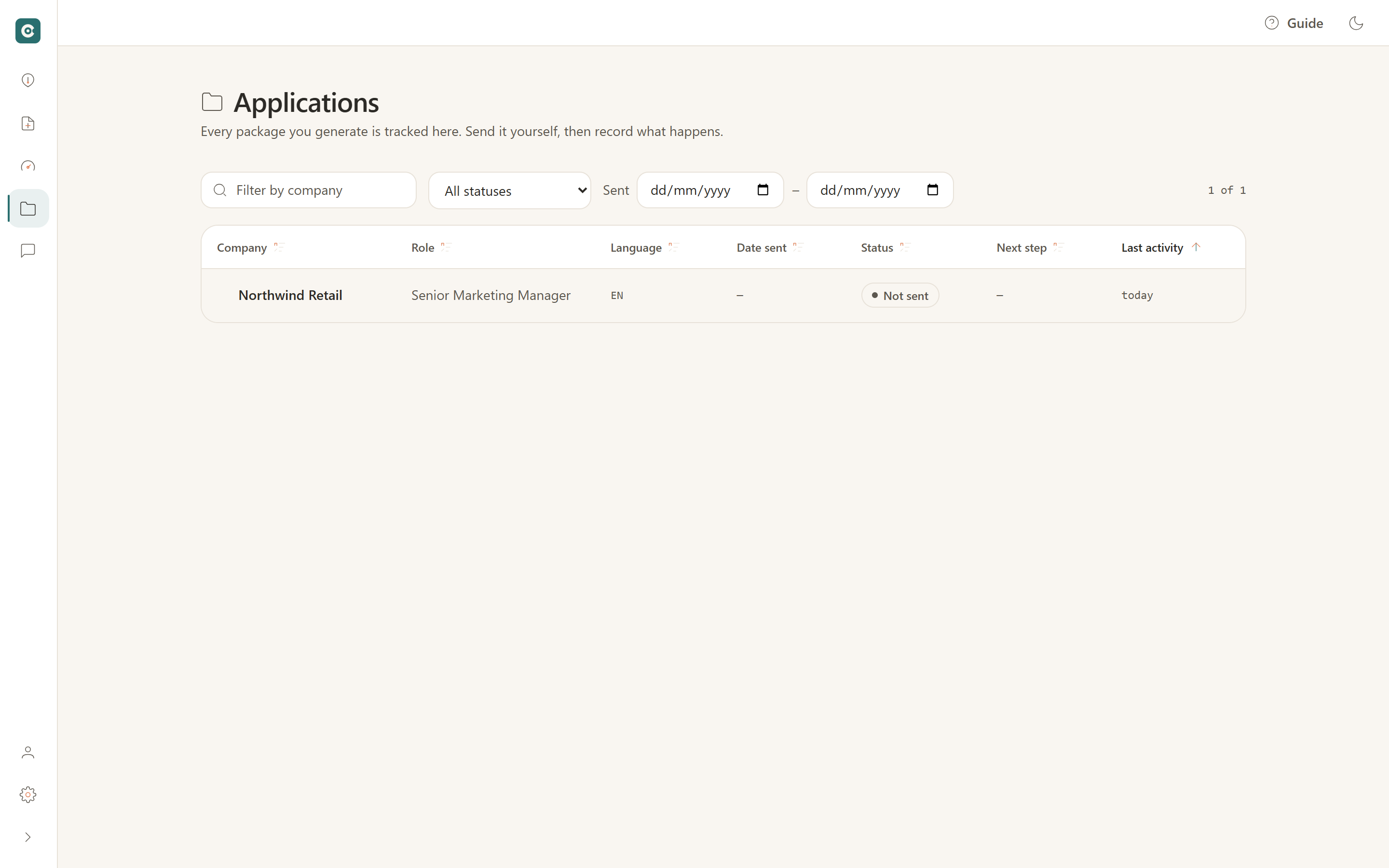
Each saved application keeps its job description, generated documents and company notes together, all on your machine. When a reply arrives two weeks later, everything you need is in one place instead of scattered across files and tabs.
One honest note before you start
Output varies by model. The providers and their models differ in writing style, in how closely they follow instructions, and in price. A model that writes a sharp letter for one role can read as too formal for another. So treat your first few documents as a short test: run one through a model or two, read the results with your own eye, and keep what fits your taste and your budget. CVumi tailors what is already true about you and gets it ready faster. It does not write a career from nothing, and it does not promise interviews.
Start your first application
That is the whole flow: one profile, one job, and a tailored CV, cover letter and email ready to send. Download CVumi, add your two keys, and build your first application on your own computer, in the language and model you choose.